
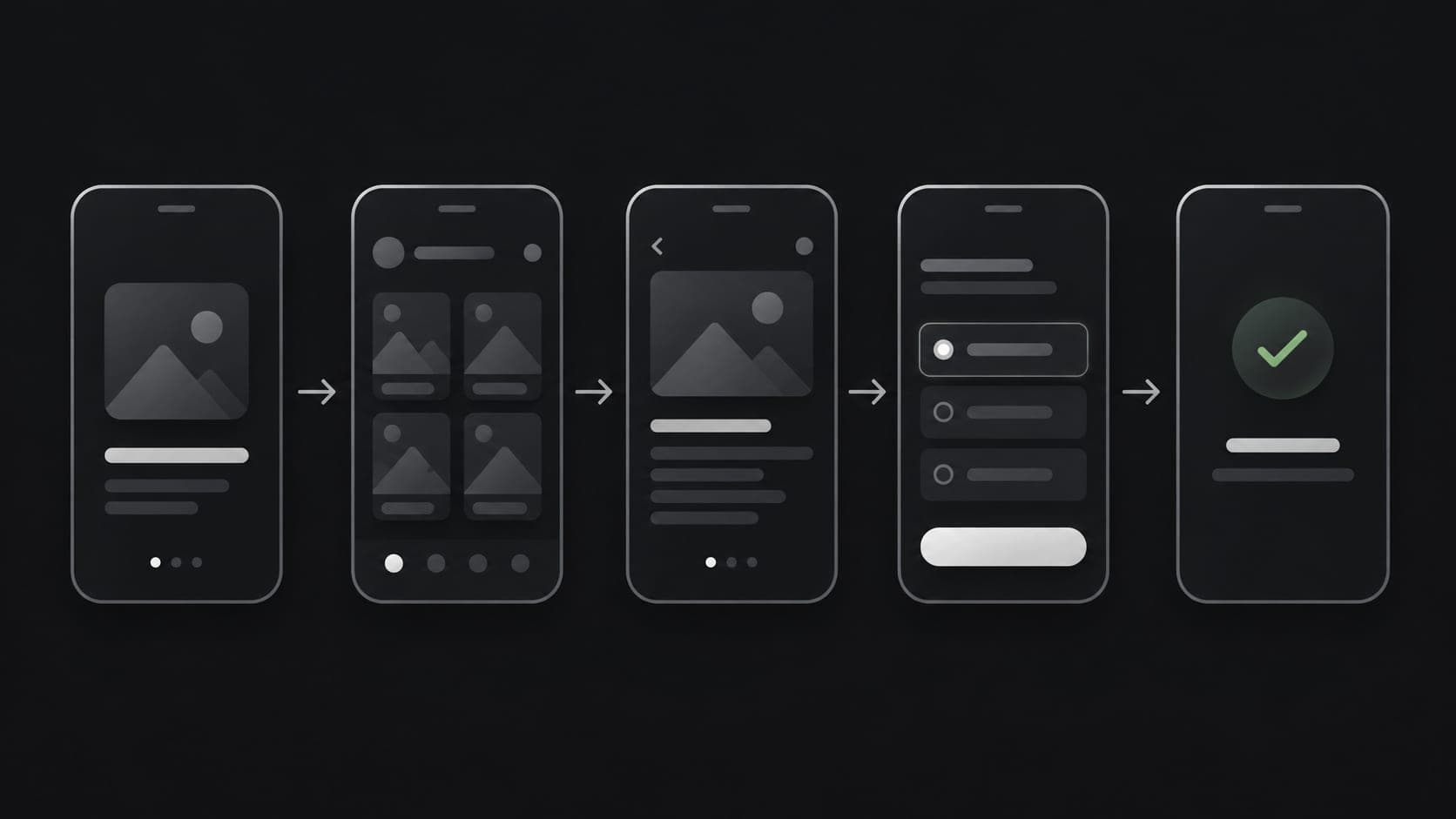
The most common mistake in mobile app planning isn't a technical one — it's starting with "we need an app" instead of "here's the specific problem an app would solve better than what we have now." That distinction shapes everything that follows.
Start with who the app is actually for
A customer-facing app, an internal staff app, and a delivery-driver app are three different products, even if they end up connected to the same backend. Planning starts by naming the primary user precisely — not "our customers," but the specific task that person needs to complete faster or more easily on their phone than anywhere else.
Define the one thing it needs to do well
Early-stage apps fail more often from trying to do too much than too little. A booking app that books well, an inventory app that scans and updates stock reliably, a delivery app that tracks orders clearly — each of these succeeds by being excellent at one core task first. Additional features should come after that core task is solid, not alongside it.
Decide how it connects to what already exists
Very few mobile apps should be standalone systems. In most cases, the app is a new way to access data and workflows that already live in a website, a business system, or a database. Planning needs to answer early: what existing system will this app read from and write to, and does that system's API or backend need to be built first.
Choose the platform approach deliberately
Native development, cross-platform frameworks like Flutter, and hybrid approaches each have real trade-offs in performance, cost, and speed to launch. The right choice depends on the app's complexity, whether it needs deep device-level features, and whether both Android and iOS are needed from day one. This decision affects budget and timeline significantly, so it's worth making consciously rather than defaulting to whichever option is most familiar.
Plan for what happens after launch
An app store submission is not the finish line. Push notifications, account authentication, payment handling, and ongoing OS compatibility updates all need planning before development starts, not after the first version ships. Budgeting only for the initial build, without accounting for updates and maintenance, is one of the most common reasons app projects stall after launch.
Validate before building the full version
Where possible, a clickable prototype or a limited first version tested with a small group of real users can surface problems — confusing flows, missing features, wrong assumptions about how people will actually use it — while they're still cheap to fix. Committing to full development before any real user has tried the core flow is a common and avoidable risk.
The planning question that matters most
Before any design work begins, it's worth being able to answer clearly: what specific task will this app make easier, for which specific person, and how will we know if it's working? If that question doesn't have a clear answer yet, that's the actual first step — before wireframes, before platform choice, before anything else.